
B-roll is supporting footage used alongside the main interview or action to help tell a story. It can show what a speaker describes or keep a sequence visually clear while their voice continues over a cut. A-roll carries the central material; B-roll helps the audience understand it.
That distinction depends on how you use a clip, not how you shoot it. This guide explains what supporting footage contributes, how to plan and record it, and which decisions belong in the edit.
How B-Roll Relates to A-Roll
A-roll and B-roll describe editorial roles, not camera settings or levels of quality. In an interview about a neighborhood bakery, the baker’s account might form the A-roll. Footage of dough being shaped becomes B-roll when it supports that account. Neither a close-up nor a slow-motion shot automatically qualifies as supporting footage. Its relationship to the main material determines its role.
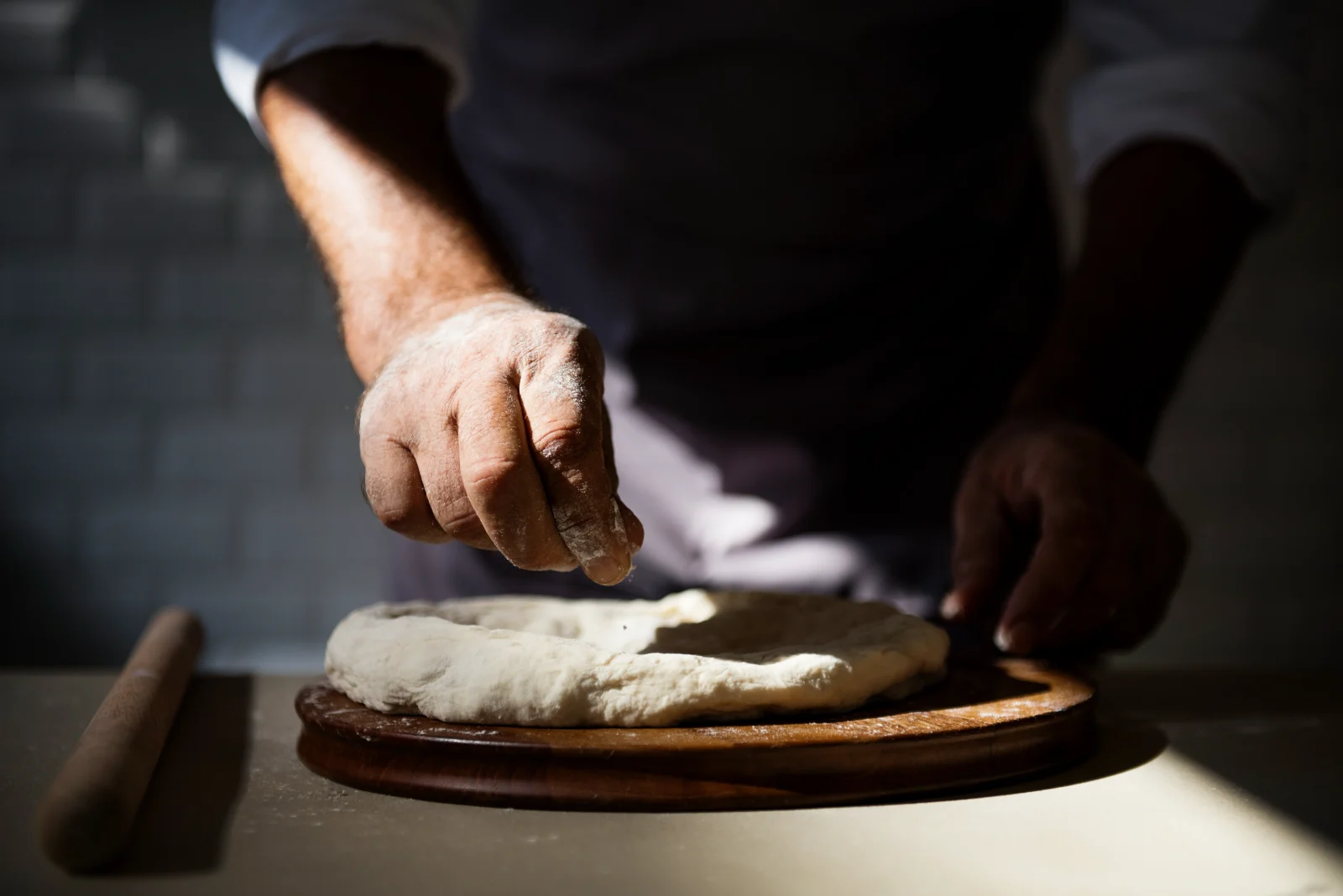
That relationship can change between edits. A continuous shot of someone shaping dough could carry the main action in a baking tutorial, making it A-roll. The same clip could support an interview about working overnight, making it B-roll in that version. Decide what carries the story before assigning labels. Otherwise, you may treat essential action as optional decoration and cut away from something the audience needs to follow.
What Supporting Shots Add to a Scene
Supporting shots give spoken information a visible reference. If the baker describes cramped working conditions, a view of the narrow space between the oven and preparation table helps viewers understand the constraint. Establishing shots answer a different question: where are we? A view of the storefront can orient the audience before the sequence moves inside.
Once viewers understand the location, closer coverage can show how events connect. A hand reaching for an oven handle prepares the audience for the next action; a reaction shot can reveal how someone responds to it. Scripted films use these relationships alongside dialogue scenes, while documentaries may build them around interviews or observed events. The footage should contribute information. An attractive shot of sunlight on a window adds little if the sequence needs to explain why a batch of bread failed.
Plan Shots Around the Story
Planning begins with the claim or action the audience needs to understand. For the failed batch, ask what you can actually show: perhaps the damaged loaves or the baker demonstrating a step in the process. Build your shot list from those needs. “Get cinematic footage of the kitchen” is less useful than “show how the baker judges whether the dough is ready.”
A useful shot list connects each planned image to its purpose in the sequence. Record the action clearly before collecting decorative details. If the story depends on a temperature reading, get a view in which the display is legible. For documentary work, distinguish observation from demonstration. Asking someone to repeat a task may help explain a process, but the edit should not misrepresent that demonstration as footage of an earlier event.
Record Coverage You Can Edit
During filming, your job is to give the editor usable options. Capture a complete action in a stable frame before changing position. Let recording continue briefly before the action begins and after it ends; these extra moments, often called handles, provide room to adjust a cut. Stopping the instant a hand releases an object can leave the editor without a clean exit.
Coverage from another distance can make that action easier to assemble. A wider view establishes where the baker stands, while a closer view reveals the dough’s texture. Keep screen direction consistent when you want the shots to feel continuous. Also watch for changes in props or hand positions. Those continuity choices happen on set; editing cannot reliably repair missing action or a distracting jump between incompatible views.
Build the Sequence in the Edit
In editing, establish the main story before adding supporting images. With an interview-led piece, assemble the speaker’s account so its logic works on its own. Then place footage where seeing something improves understanding. A shot does not need to illustrate every word. Sometimes staying on the speaker’s face preserves an important hesitation or emotional response that a cutaway would conceal.
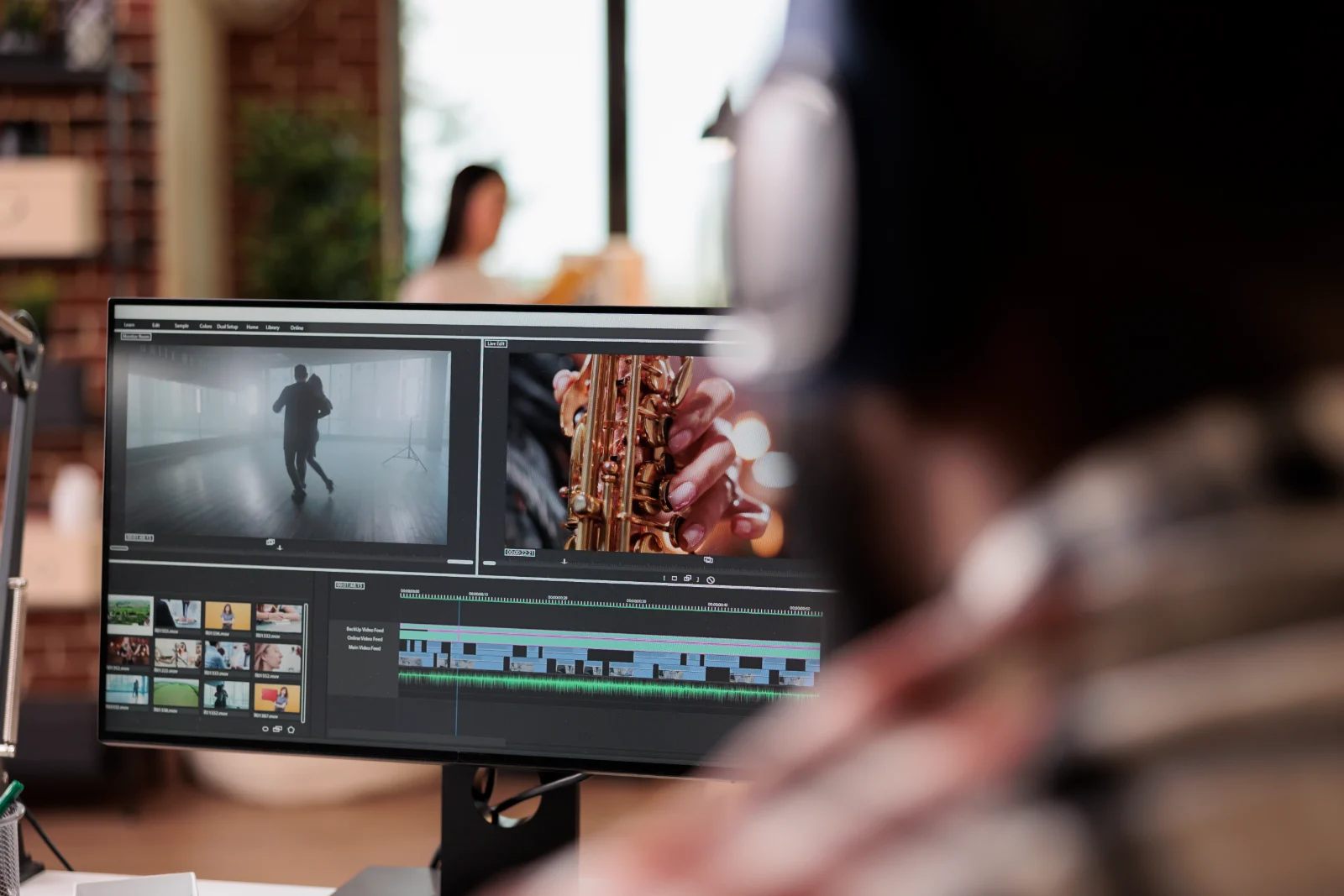
B roll meaning depends on context: supporting footage can cover a picture jump where an interview has been shortened, but it should not disguise a misleading change in meaning. Sound also remains an editorial choice. Supporting footage does not need to keep its original audio: you can mute it beneath dialogue, use selected location sounds, or let its sound introduce the next scene. Retain useful audio during recording so those options remain available. Remove it in the edit when it distracts or falsely suggests that separate events happened together.
Choose Between Original, Archival, and Stock Footage
Original footage gives you control over what viewers see and how closely it matches the subject. Archival footage provides evidence or context from another time. Stock footage can supply a useful general image when filming is impractical. These sources are not interchangeable. A generic bakery interior cannot establish what conditions were like in the particular bakery your documentary investigates.
Source choice therefore affects both accuracy and permissions. For archival material, establish its provenance and whether you have permission to use it. For stock, read the license terms, including any editorial-use restrictions. Match the image’s specificity to the statement it accompanies: broad illustration may suit a general explanation, while a claim about a particular event needs relevant evidence. If viewers might mistake illustrative footage for a record of that event, make the distinction clear.
Key Takeaways
- B-roll supports the main action or interview rather than replacing the story.
- A-roll and B-roll describe editorial roles, not fixed categories of shots.
- Scripted films and documentaries use supporting footage to provide context.
- A story-led shot list, patient recording, and varied coverage create editing options.
- Original, archival, and stock footage should be selected for relevance to the sequence.
Frequently Asked Questions
What Is B Roll Footage?
B-roll footage is material used in a supporting role within a sequence. It does not have to come from a separate filming session or a second camera; footage recorded during the main shoot can serve that purpose.
What Is B Roll in Film?
In film, B-roll can include inserts or cutaways that supplement a scene’s main action. For example, a shot of a clock during a conversation can establish time pressure without requiring a character to explain it aloud.
What Is B Roll Video?
B-roll video means supporting moving images, not a particular file format or recording mode. You can record it with a phone or a cinema camera; resolution and frame rate should suit the production and the intended edit.
What Are Some Examples of B-Roll?
Examples include a mechanic examining a worn brake pad during an explanation of repairs, or audience reactions during a presentation. In each case, the supporting image gives the viewer information beyond the main speaker or action.
What Is Social Media B-Roll?
Social media B-roll is supporting footage used in posts, including short videos built around narration or on-screen text. When filming for a vertical frame, leave room for captions and avoid placing essential details where interface elements may obscure them.
Why Is It Called B-Roll?
The term comes from film workflows that used separate physical rolls, including A/B-roll printing arrangements that alternated picture material between rolls. Modern editors use the term to describe footage’s function, even though digital editing does not require those physical rolls.
Choose Footage That Serves the Story
Begin with what the audience needs to understand, then decide what image would make that understanding easier. If the baker’s explanation depends on recognizing damaged dough, prioritize a clear view of it over an unrelated shot of the storefront. That choice gives your filming a purpose before you pick up the camera.
Once you have the footage, judge it in context. A clip that seemed essential on set may interrupt the speaker’s most revealing moment. Another may explain something words alone leave unclear. Keep the image when it earns its place, and leave it out when the story works better without it. B-roll succeeds through the relationship it creates with the main material, not through visual polish alone.
